Pages

Showing posts with label PTU. Show all posts

Sunday, 6 May 2018

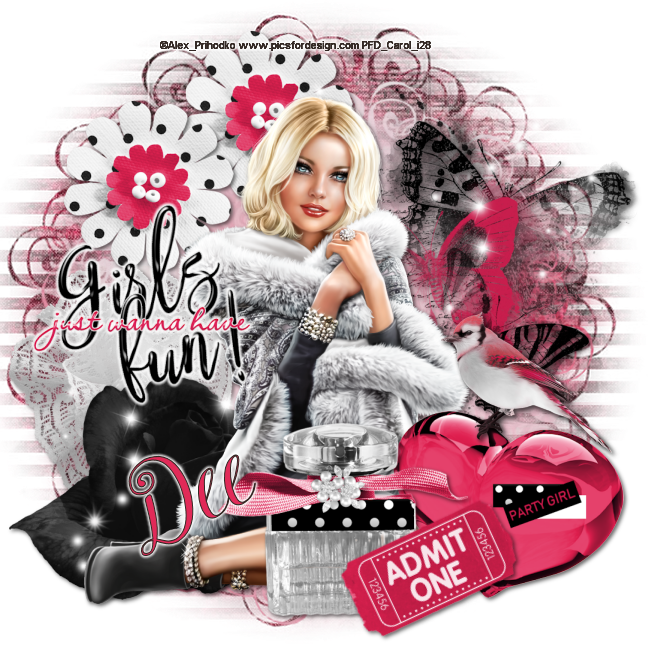
Party Girl


This Tut was written by me on the 6th of May 2018

Supplies Needed

Font – Shyntia Bella

Mask 353 by WSL

Tube by Alex Prihodko

Scrap Kit – Just the Girls by Dees’ Sign Depot

Word Art of your choice.

Drop shadow 2, 2, 60, 6

After resizing > adjust sharpness > sharpen.

Open blank image 650 x 650

New raster layer, select all, paste paper 9 into selection, select none.

Apply mask, merge group.

New raster layer, select all, paste paper 5 into selection, select none, apply mask, merge group, resize 80%.

Add element 94, resize 60%, add drop shadow, duplicate, move down a little.

Add spray 6, resize 60%, add drop shadow.

Add element 114, resize 60%, add drop shadow.

Add element 111, resize 60%, add drop shadow.

Add element 55, resize 60%, add drop shadow.

Add spray 3, resize 80%, duplicate, image mirror, image flip.

Add tube of your choice, resize, add drop shadow.

Add element 118, resize 60%, add drop shadow.

Add element wa_4a, resize 60%, add gradient glow.

Add element 101, resize 40%, image mirror, add drop shadow.

Add element 24, resize 60%, add drop shadow.

Add element 122a, resize 40%, rotate left, add drop shadow.

Resize, add name and copyright.

Monday, 24 October 2016

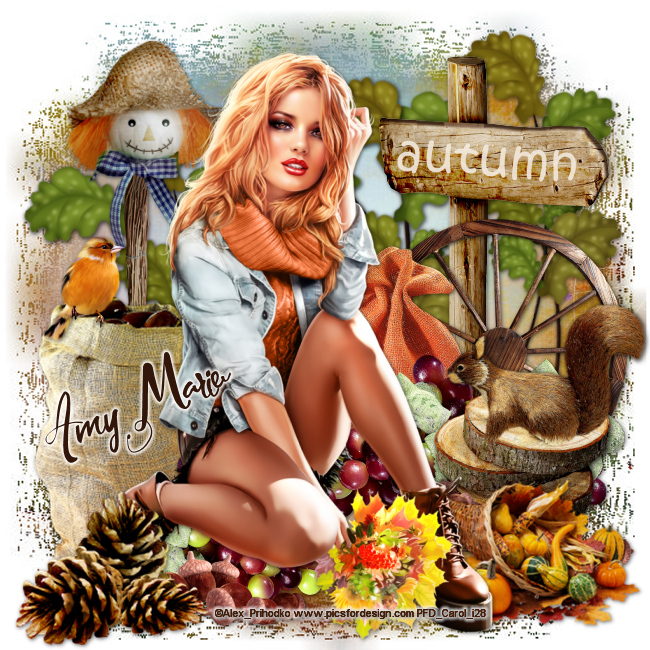
Signs of Autumn


This Tut was written by me on the 24th October 2016

Supplies Needed

Font - Awasawez

Mask 168 by BBD

Tube by Alex Prihodko

Scrap Kit - Autumn Daze by Amy Marie

Word Art of your choice.

Drop shadow 1,1,60,6

After resizing > adjust sharpness > sharpen.

Open blank image 650 x 650

New raster layer, select all, paste paper 6 into selection, select none.

Apply mask, merge group, duplicate.

Add element 72, resize 80%, duplicate x 2, add drop shadow.

Add element 38,  resize 80%, add drop shadow.

Add element 44, add drop shadow.

Add element 105, resize 80%, add drop shadow.

Add element 102,  add drop shadow .

Add element 108, resize 60%, add drop shadow.

Add element 79, resize 40%, image mirror, add drop shadow.

Add tube, resize , add drop shadow.

Add element 91, resize 30%, image mirror, add drop shadow.

Add element 97, resize 40%, add drop shadow.

Resize, add name and copyright.

Tuesday, 14 June 2016

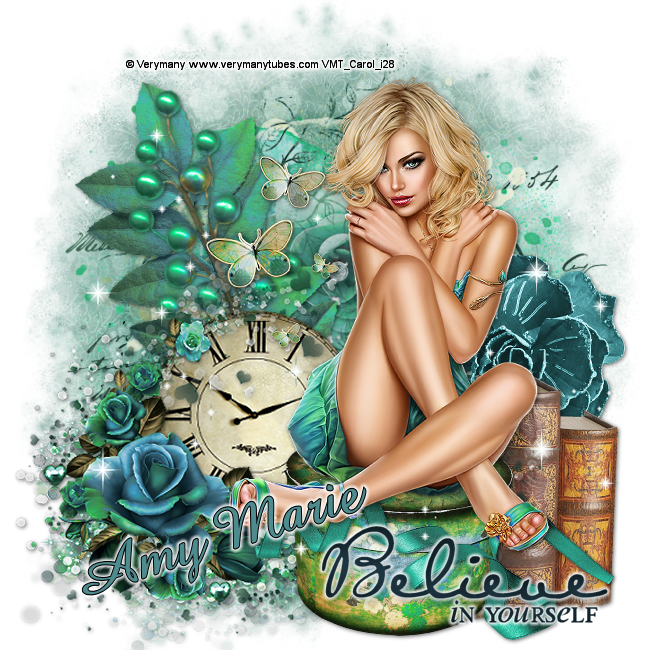
Believe In Yourself


This Tut was written by me on the 14th June 2016

Supplies Needed

Font - Amaze

Mask 11 by Brutal Designs

Tube by Verymany

Scrap Kit - Twilight by Amy Marie

Word Art of your choice.

Drop shadow 11,60,6

After resizing > adjust sharpness > sharpen.

Open blank image 650 x 650

New raster layer, select all, paste paper 7 into selection, select none.

Apply mask, merge group, duplicate.

Add element 12, duplicate, merge down.

Add element 43,  resize 70%, add drop shadow.

Add element 74, resize 70%, add drop shadow.

Add element 36, resize 70%, add drop shadow.

Add element 97, resize 70%, add drop shadow .

Add element 81, resize 60%, add drop shadow.

Add element 101, resize 70%, add drop shadow.

Add element 69, resize 60%, add drop shadow.

Add element 58, resize 70%, add drop shadow.

Add element 120, duplicate, merge down, duplicate, move up a little.

Add tube, resize, add drop shadow.

Add element 73, resize 40%, add drop shadow.

Add word art of choice, add small gradient glow.

Resize, add name and copyright.


Sunday, 12 June 2016

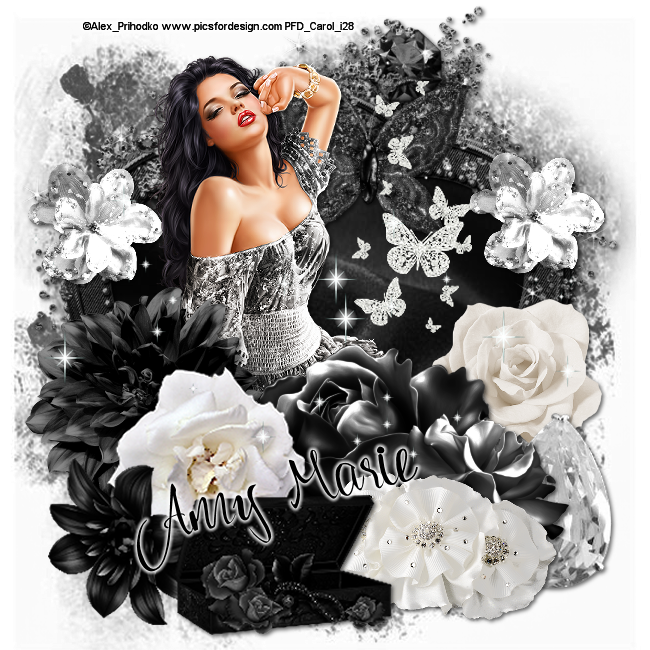
Window to my Soul


This Tut was written by me on the 12th June 2016

Supplies Needed

Font - Adelle

Mask 104 by Gem

Tube by Alex Prihodko


Scrap Kit - Black N White by Amy Marie

Drop shadow 2,2,60,6

After resizing > adjust sharpness > sharpen.

Open blank image 650 x 650

New raster layer, select all, paste paper 20 into selection, select none.

Apply mask, merge group, duplicate.

Add element 60,  add drop shadow.

Using magic wand , select inside frame, select, modify, expand by 10, paste paper 17 as a new layer, select, invert, delete.

Arrange move down.

Add element 33,  resize 40%, add drop shadow, duplicate, image mirror.

Add element 10, resize 40%, add drop shadow.

Add element 67, resize 70%, add drop shadow.

Add tube, add drop shadow.

Add element 38, resize 60%, add drop shadow .

Add element 104,  add drop shadow.

Add element 54, resize 60%, add drop shadow.

Add element 11, resize 60%, add drop shadow.

Add element 72, resize 60%, add drop shadow.

Add element 16, resize 40%,  add drop shadow.

Add element 83, resize 60%, add drop shadow.

Add element 7, resize 45%, duplicate, merge down.

Add element 107, duplicate, merge down.

Resize, add name and copyright.

Saturday, 26 March 2016

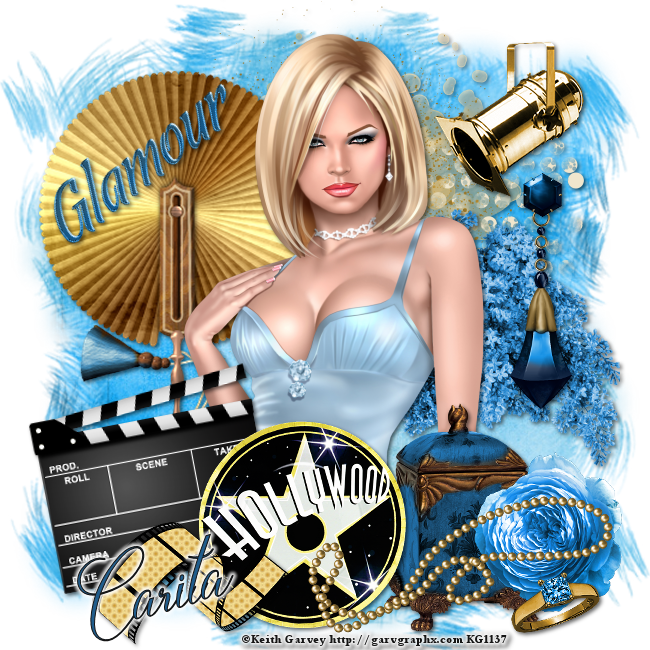
Glamour Girl


This Tut was written by me on the 26th March 2016

Supplies Needed

Font - Darlian Script

Mask 178 by Gem

Tube by Keith Garvey


Scrap Kit - Hollywood Glam by Carita Creationz

Available at Dees' Sign Depot

Drop shadow 2,2,60,6

After resizing > adjust sharpness > sharpen.

Open blank image 650 x 650

New raster layer, select all, paste paper 4 into selection, select none.

Apply mask, merge group, duplicate, image mirror, image flip.

Add element 9, resize 60%, add drop shadow.

Add element 14, add drop shadow.

Add element 25, add drop shadow.

Add tube, add drop shadow.

Add element 15, resize 60%, add drop shadow .

Add element 2, resize 60%, rotate left, add drop shadow.

Add element 1, resize 60%, add drop shadow.

Add element 11, resize 60%, add drop shadow.

Add element 3 resize 80%, resize 60%, add drop shadow.

Add element 12, resize 60%, image mirror, add drop shadow.

Add element 13, resize 60% x 2, add drop shadow.

Add element 27, resize 60% x 2, add drop shadow.

Add element 29, resize 60%, add drop shadow.

Add element 18, resize 60%, add drop shadow.

Resize, add name and copyright.

Sunday, 6 March 2016

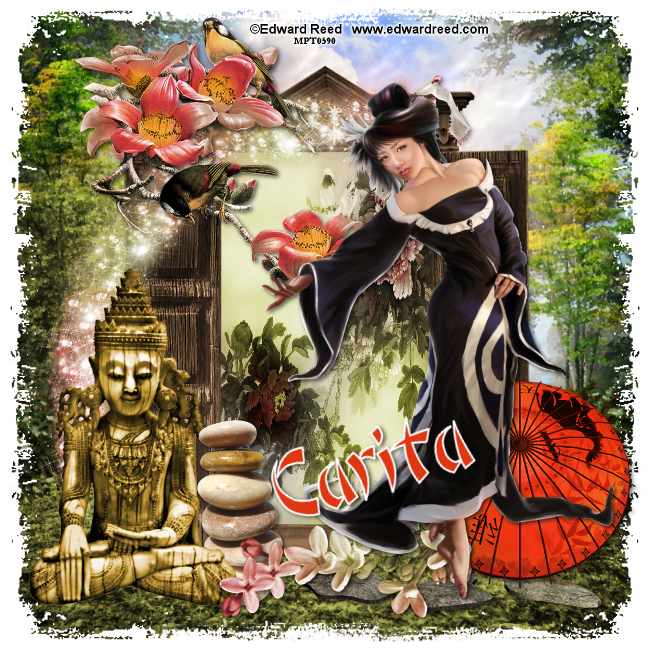
Saigon Garden


This Tut was written by me on the 6th March 2016

Supplies Needed

Font - Bonzai

Mask 345 by Wee Scots Lass

Tube by Edward Reed

Available at CDO

Scrap Kit - A Saigon Tale by Carita Creationz

Available at Dees' Sign Depot

Drop shadow 2,2,60,6

After resizing > adjust sharpness > sharpen.

Open blank image 650 x 650

New raster layer, select all, paste paper 9 into selection, select none.

Apply mask, merge group.

Add element 7, resize 80%, add drop shadow.

Add element 2, resize 80%, add drop shadow.

Using magic wand click in the centre, select modify expand by 3, new raster layer, paste paper 1 into selection, select none.

Arrange move down.

Go to the top of the stack.

Add element 36, image mirror, adjust, sharpness, sharpen.

Add element 13, resize 60%, add drop shadow .

Add element 9, add drop shadow.

Add element 40, resize 80%, add drop shadow.

Add element 14, add drop shadow.

Add element 21, resize 80%, add drop shadow, image mirror.

Add tube, resize, add drop shadow.

Resize, add name and copyright.
Thursday, 27 August 2015

Steampunk Girl


This Tut was written by me on the 27th August 2015

Supplies Needed

Font - Van De Velde Script

Mask 287 by Wee Scots Lass

Tube by Kate Miller

Scrap Kit - Black Steampunk by Designs By Joan

Available at Scraps N Company

Drop shadow 1,1,60,5

After resizing > adjust sharpness > sharpen.

Open blank image 650 x 650

New raster layer, select all, paste paper 5 into selection, select none.

Apply mask, merge group.

Duplicate, image flip

Add element 66, resize 70%, move to the left, add drop shadow, duplicate, image mirror.

Add element 26, resize 60%,  add drop shadow.

Add element 116, resize 60%, add drop shadow.

Add element 79, resize 90%, image mirror, image flip .

Add element 27, resize38%,  add drop shadow.

Add element 114 , resize 70%, add drop shadow.

Add element 108, resize 50%, add drop shadow.

Add element 48, resize 40%, add drop shadow, image mirror.

Add tube, resize, add drop shadow.

Add 59, resize 38%, image mirror, add drop shadow.

Add element 53, resize 40%, add drop shadow.

Add element 76, resize 70%

Add element 49, resize 25%, image mirror, add drop shadow.

Add element 50, resize 23%, add drop shadow.

Add element 111, resize 25%, add drop shadow.

Resize, add name and copyright.
Saturday, 15 August 2015

Vampish


This Tut was written by me on the 15th August 2015

Supplies Needed

Font - Antrokas

Mask 252 by Trese

Foxy's Designs package 225-PinUp Toons

Available at CDO

Drop shadow 1,1,50,6

After resizing > adjust sharpness > sharpen.

Open blank image 650 x 650

New raster layer, select all, paste paper 10 into selection, select none.

Apply mask, merge group.

Add element 12, image mirror, add drop shadow, duplicate, image mirror.

Add element 18, resize70%,  add drop shadow.

Add element 25, resize 70%, add drop shadow, duplicate, image mirror.

Add element 26, resize 70%,  add drop shadow, duplicate, image mirror.

Add element 19, resize70%,  add drop shadow, duplicate, image mirror.

Add element 7 , duplicate, image mirror, resize 80%.

Add frame 4 resize 60%, rotate right, add drop shadow.

Using magic wand select inside frame, select, modify, expand by 5, paste paper 8 as a new layer, select, invert, delete, select none.

Arrange move down.

Add element 78, resize 60%, add drop shadow.

Add element 10, resize 70%, add drop shadow.

Add tube, resize, add drop shadow.

Add 14, resize 70%, free rotate right, add drop shadow.

Add element 40, resize 70%, add drop shadow.

Resize, add name and copyright.
Monday, 13 April 2015

Beware of the Wolves


This Tut was written by me on the 13th April 2015

Supplies Needed

Font - Gwendolyn

Mask - Filters Unlimited- Square edge 2

Scrapkit- IB-Enys Guerrero 6-3 by Chichi Designz

Tube by Enys Guerrero

Both available at CDO

Drop shadow 5,5,50,40

After resizing > adjust sharpness > sharpen.

Open blank image 650 x 650

New raster layer, select all, paste paper 1 into selection, select none.

Apply mask.

Duplicate, miror image.

Add element 22, resize 80%.

Add element 13, resize 80%,  add drop shadow.

Add element 24, resize 60%, image mirror.

Add element 3, resize 70%,  add drop shadow.

Add element 14, resize 80%, add drop shadow.

Add element 7 , resize 40%,  add drop shadow.

Add element 11, resize 80%, add drop shadow.

Add element 16, resize 80%.

Add element 1, image mirror, add drop shadow.

Add 21, resize 80%, add drop shadow.

Add tube, resize, add drop shadow.

Add element 12, resize 80%, add drop shadow.

Add word art glow, resize 80%.

Add element 2, resize 40%, add drop shadow.

Resize, add name and copyright.
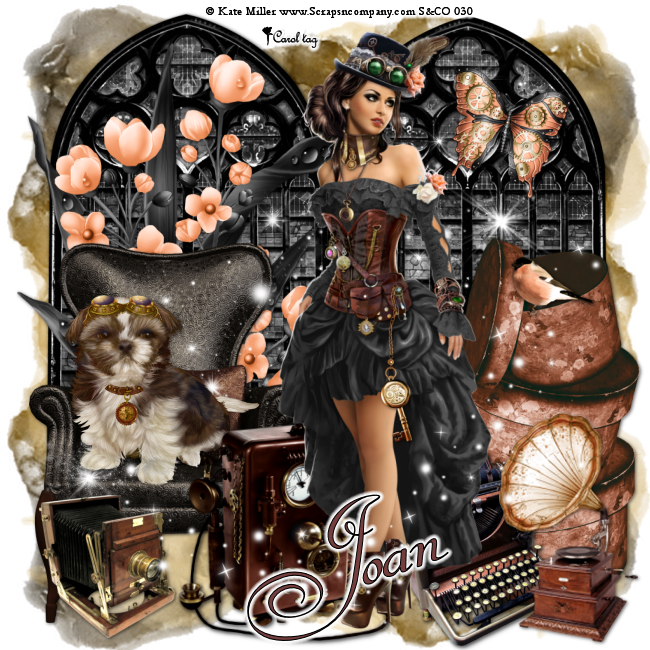
Wednesday, 24 December 2014

Ringing in the Bells


This Tut was written by me on the 24th December 2014

Supplies Needed

Font - Betty Script

Mask of choice

Scrapkit- New Year  by Hania's Design

Tube by Trinita

Drop shadow 1,1,60,10

After resizing > adjust sharpness > sharpen.

Open blank image 650 x 650.

Select all, paste paper 2 into selection, select none.

Apply mask, merge group.

Add element 85.

 New raster layer, select all, paste element 10 into selection, select none,add drop shadow.

Add element 29, resize 40%, add drop shadow.

Add element 70, resize 40%, add drop shadow.

Add element 52, resize 60%, add drop shadow.

Add element 92, resize 60%, add drop shadow .

Add element 9, resize 45%, add drop shadow.

Add element 6,  resize 70%, add drop shadow.

Add cluster, resize 65% , add drop shadow.

Using selection tool, draw around the frame, new raster layer, paste paper 10 into selection, arrange move down.

Keep selected, paste tube as a new layer, duplicate, select original tube layer, select invert, delete, select none.

Select copy of tube layer, arrange , move up, using eraser, remove any tube on bottom and side of the frame.

Resize, add name and copyright.
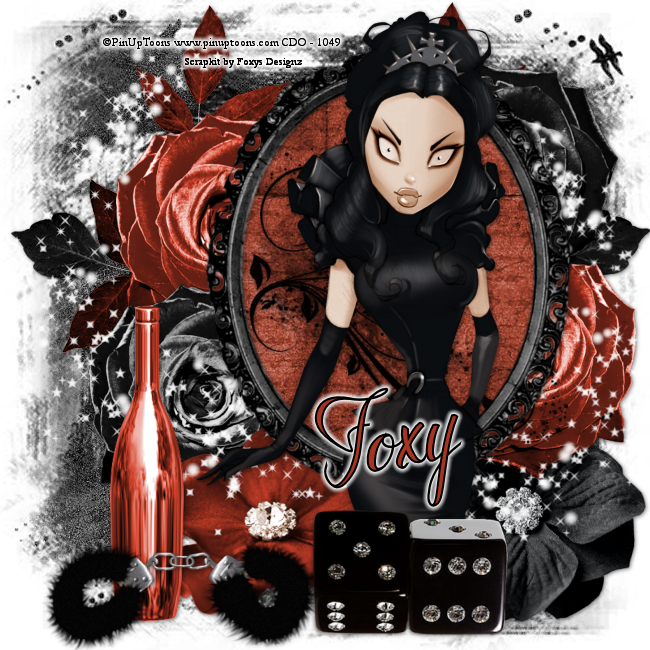


Saturday, 22 November 2014

Cool Winter


This Tut was written by me on the 22nd November 2014

Supplies Needed

Font - Banner

Mask of choice

Scrapkit- Christmas Frost  by Foxys Designz

Tube by PinUpToons

Drop shadow 1,1,60,10

After resizing > adjust sharpness > sharpen.

Open blank image 650 x 650.

Select all, paste paper 8 into selection, select none.

Apply mask, merge group, duplicate merge down.

Add element 9, resize 50%, add drop shadow, duplicate, image mirror.

Add element 22, resize 80%, rotate right, add drop shadow.

Add frame 4, resize 50%, add drop shadow.

Using magic wand, select inside frame, select, modify expand by 5.

New raster, paste paper 1 into selection, arrange, move down.

Keep selected paste tube as a new layer, select, invert, delete, select none.

Blend - Luminance legacy.

Select top layer, paste element 42, resize 40%, add drop shadow.

Add tube, resize, add drop shadow.

Add element 2, resize 80%.

Add element 27, resize 60%, add drop shadow .

Add element 38, resize 50%, add drop shadow.

Add element 29,  resize 30%, add drop shadow.

Add element 48, resize 40% , add drop shadow.

Resize, add name and copyright.

Add element 21, resize 40%, add drop shadow.


Tuesday, 11 November 2014

Santa's Cookies


This Tut was written by me on the 11th November 2014

Supplies Needed

Font - Angelots

Mask of choice

Word Art of choice

Scrapkit- Christmas Story  by Foxys Designz

Tube by Keith Garvey

Drop shadow 1,1,50,6

After resizing > adjust sharpness > sharpen.

Open blank image 650 x 650.

Select all, paste paper 2 into selection, select none.

Apply mask, merge group.

Add element 49.

Add element 37, resize 60%, add drop shadow.

Add tube, resize , add drop shadow.

Add element 29, resize 60%, duplicate , image mirror, add drop shadow.

Add element 2, resize 80%,  add drop shadow.

Add element 8, resize 40%,  add drop shadow.

Add tube, resize, add drop shadow.

Add element 15, resize 50%, add drop shadow .

Add element 9, resize 30%, add drop shadow.

Add element 10,  resize 30%, add drop shadow.

Add element 26, resize 40% , add drop shadow.

Add element 6 , resize 50%, add drop shadow.

Add element 47, resize 30%, add drop shadow.

Add element 20, resize 65%, add drop shadow.

Add word art, resize, add drop shadow.

Add element 11, resize 60%, add drop shadow.

Add element 7, resize 30%, add drop shadow.

Resize, add name and copyright.

Thursday, 6 November 2014

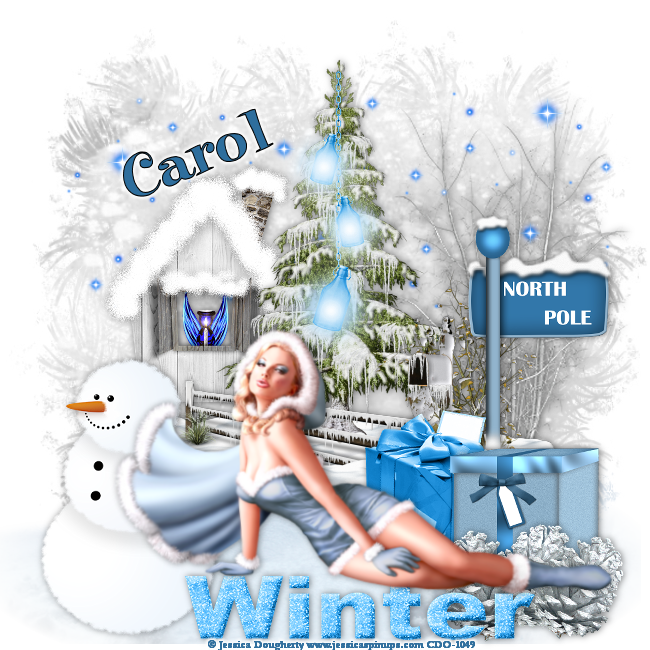
Winter Frost


This Tut was written by me on the 6th November 2014

Supplies Needed

Font - Elf

Winter mask 12 by Dee

20-20 mask

Scrapkit- Snowflake by Amy Marie

Tube by Jessica Dougherty

Available at CDO

Drop shadow 0,1,50,10

After resizing > adjust sharpness > sharpen.

Open blank image 650 x 650.

Select all, paste paper 21 into selection, select none.

Apply mask, merge group, duplicate, merge down.

Add element 43, apply 20-20 mask, merge group, duplicate, merge down.

Add element 71, resize 80%, add drop shadow.

Add element 52.  

Add element 61, resize 70%,  add drop shadow.

Add element 19, resize 25%, add drop shadow.

Fit in window, arrange, move down.

Add element 27,   add drop shadow .

Add element 1, resize 75%, add drop shadow.

Add element 60,  resize 70%,  add drop shadow.

Add element 20, resize 50%, add drop shadow.

Add element 3, resize 60%,  add drop shadow.

Add element 7, resize 40%, add drop shadow.

Add element 68, resize 70%.

Add element 115, resize 70%, add drop shadow.

Add tube, resize, add drop shadow.

Resize, add name and copyright.
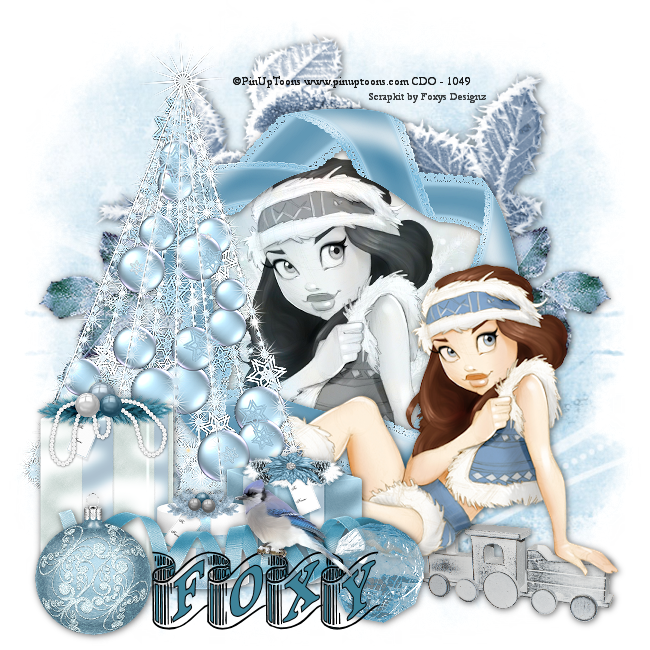
Wednesday, 5 November 2014

Cold As Ice


This Tut was written by me on the 5th November 2014

Supplies Needed

Font - CK Twilight

Mask 171 by Gem

Scrapkit- Frozen by Amy Marie

Tube by PinupToons

Available at CDO

Drop shadow 1,1,50,6

After resizing > adjust sharpness > sharpen.

Open blank image 650 x 650.

Select all, paste paper 13 into selection, select none.

Apply mask, merge group, duplicate, merge down.

Add element 98, resize 80%, duplicate, add drop shadow.

Add element 99, adjust, sharpness, sharpen more, add drop shadow.

Add element 96, resize 80%, duplicate merge down, duplicate, image mirror.  

Add element 97,  add drop shadow.

Add element 101, resize 30%,  add drop shadow .

Add element 23, resize 70%.

Add element 21,  resize 40%,  add drop shadow.

Add tube, resize, add drop shadow.

Add element 8, resize 40%, add drop shadow.

Add element 122, resize 30%,  add drop shadow.

Resize, add name and copyright.
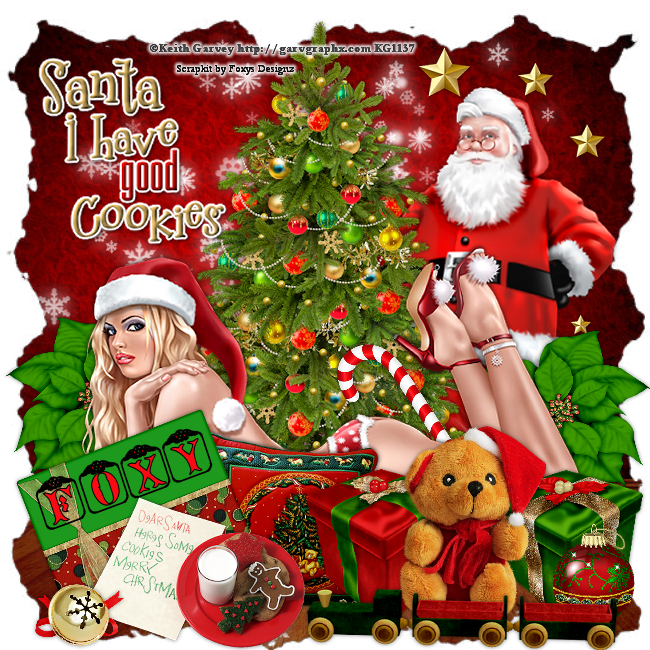
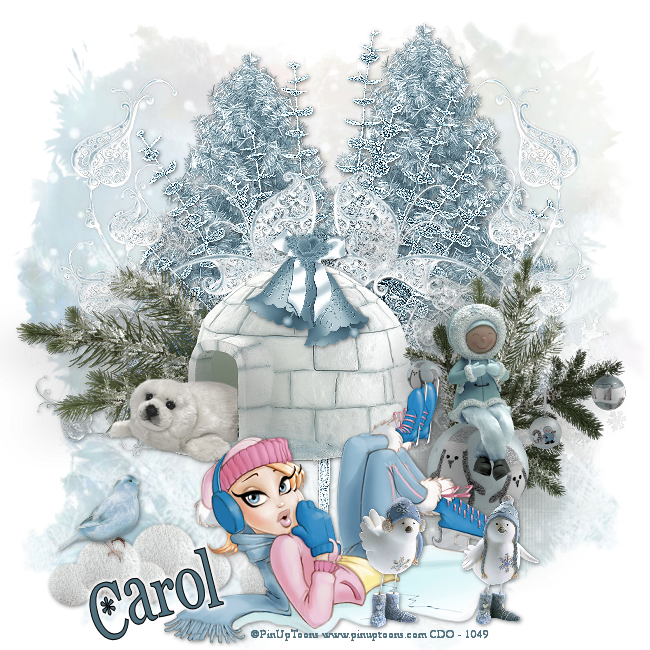
Christmas Treats


This Tut was written by me on the 5th November 2014

Supplies Needed

Font - Christmas Card

Mask 22- 2 by Rocked by Rachel

Scrapkit- Clarice by Amy Marie

Tube by Alex Prihodko

Available at Pics for Design

Drop shadow 2,2,60,6

After resizing > adjust sharpness > sharpen.

Open blank image 650 x 650.

Select all, paste paper 18 into selection, select none.

Apply mask, merge group, duplicate, image mirror.

Add element 110.

Add element 47, resize 70%, add drop shadow.

Using magic wand , click inside frame, select , modify, expand by 4, paste paper 7 as new layer, slect, invert, delete.

Arrange, move down.

Keep selected add tube as a new layer, duplicate, select original, delete, select none.

Move duplicate layer to the top, carefully erase any of the tube overhanging the bottom of the frame.

Add element 11, resize 60%,  add drop shadow.

Add element 4, resize 40%,  add drop shadow.

Add element 16, resize 65%, add drop shadow.

Add element 5, resize 30%, duplicate x 2, add drop shadow .

Add element 92, resize 50%,  add drop shadow.

Add element 15,  resize 60%,  add drop shadow.

Add element 88, resize 50%, add drop shadow.

Add element 99, resize 60%,  add drop shadow.

Add element 93, resize 60%, add drop shadow.

Add element 83, resize 50%, add drop shadow.

Add element 55, resize 40%, add drop shadow.

Add element 52, resize 30%, add drop shadow.

Resize, add name and copyright.
Thursday, 30 October 2014

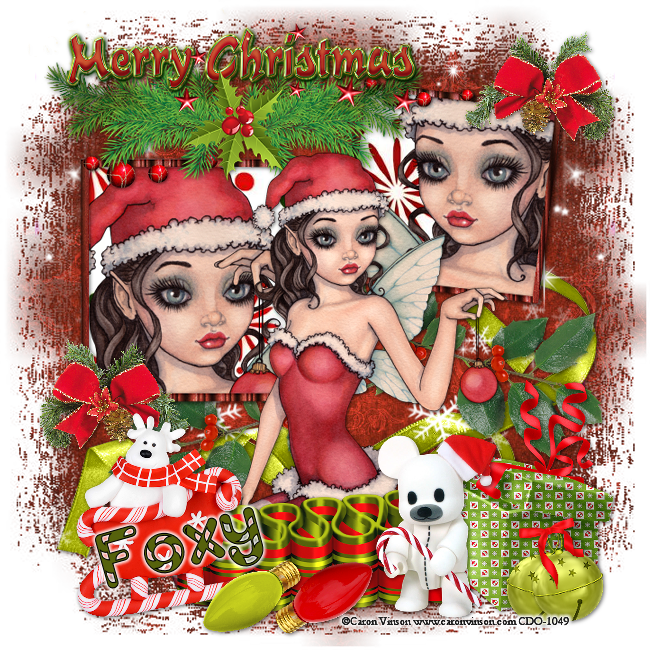
Candy Cane Time


This Tut was written by me on the 30th October 2014

Supplies Needed

Font - Candy Cane

Mask 168 by Babs

Scrapkit- Christmas Cheer Collab by Foxys Designz and Dees' Sign Depot

Tube by Caron Vinson

Available at CDO

Drop shadow 1,1,50,6

After resizing > adjust sharpness > sharpen.

Open blank image 650 x 650.

Select all, paste paper 8 into selection, select none.

Apply mask, merge group.

Add element 29, resize 90%, add drop shadow.

Add element 13, duplicate, image mirror.

Add element 7, resize 35%, duplicate , image mirror, add drop shadow.

Add frame 4, resize 65%, add drop shadow.

Using magic wand select inside frames, select modify , expand by 4, paste paper 3 as a new layer, select, invert, delete.

Arrange, move down.

Keep selected, add tube as new layer, delete, image mirror, select none.

Move up inside the frame, erase any parts outside the frame.

Add element 33, resize 30%, duplicate, place duplicate on bottom left frame, add drop shadow.

Add element 16, resize 55%,  add drop shadow.

Add tube, resize, add drop shadow.

Add element 20, resize 60%, add drop shadow .

Add element 35, resize 50%, add drop shadow.

Add element 3,  resize 50%, add drop shadow.

Add element 2, resize 50% , add drop shadow.

Add element 32 , resize 25%, add drop shadow.

Add element 21, resize 30%, add drop shadow.

Add element 22, resize 30%, add drop shadow.

Resize, add name and copyright.