Pages

Tuesday, 30 September 2014

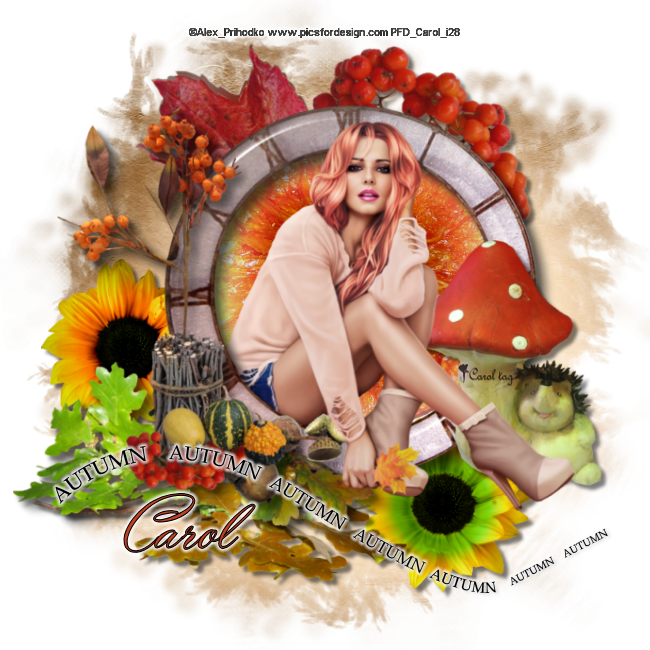
Autumn Days


This Tut was written by me on the 30th September 2014

Supplies Needed

Font used - Yaquote Script

Mask 197 by Gem

Scrapkit-  Autumn  by Mago 74

Tube by Alex Prihodko

Available at Pics for Design

Drop shadow 5,5,60,5

After resizing > adjust sharpness > sharpen.

Open blank image 650 x 650

New raster layer, select all, paste paper 7 into selection, select none.

Apply mask, merge group, duplicate, merge down.

Add element 33, resize 15%, add drop shadow.

Add element 14, resize 25% image mirror, image flip, add drop shadow.

Add element 34, resize 15%, add drop shadow.

Add element 1,  resize 15%, image flip, rotate right, add drop shadow.

Add element 42, resize 30%, erase part of the stem, add drop shadow.

Add frame 3, resize 23%, add drop shadow.

Using magic wand, click inside the frame, select modify expand by 4.

New raster layer, paste element 73 into selection, arrange move down.

Keep selected, paste tube as a new layer, duplicate, select invert.

Select first tube layer , delete, select none, arrange move down.

Using the eraser, carefully erase the bottom part of the tube that overhangs the frame.

Add element 61,  resize 18%, add drop shadow, arrange , move down.

Add word art 2, resize 20%, add small gradient glow.

Add name and copyright


Monday, 28 July 2014

Precious Gift


This Tut was written by me on the 28th July 2014

Supplies Needed

Font used - Diamond Dust

DBV mask 133

Word Art Here

Scrapkit-  Magical by Amy Marie

Tube by Jacqueline Collen-Tarolly


Drop shadow 0,0,50,6

After resizing > adjust sharpness > sharpen.

Open blank image 650 x 650

New raster layer, select all, paste paper 23 into selection, select none.

Apply mask, merge group, duplicate, merge down.

Add element 19, resize 60%, add drop shadow.

Add element 65, resize 60%.

Add element 25, resize 60%, add drop shadow.

Add element 42,  resize 50%, rotate left.

Add tube, resize, add drop shadow.

Add element 124, resize 80%, duplicate, image, mirror, add drop shadow.

Add element 25, resize 70%, add drop shadow.

Add element 95,  add drop shadow.

Add element 43, resize 60%.

Add element 54, resize 60%, add drop shadow.

Add word Art, colourise to suit, add small gradient glow.

Add name and copyright

Tuesday, 22 July 2014

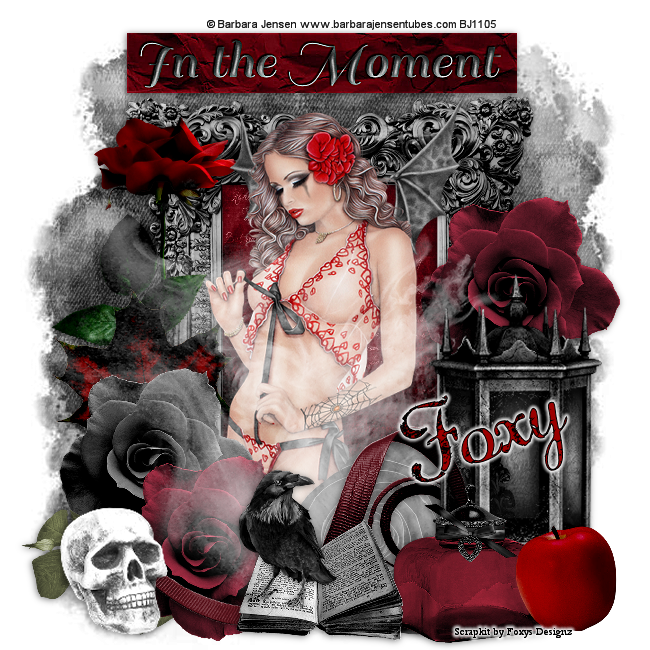
In The Moment


This Tut was written by me on the 22nd July 2014

Supplies Needed

Font used - Diamond Dust

Mask 22 by Becky

Scrapkit- Dark Moments by Foxys Designz  


Drop shadow 1,-1,50,10

After resizing > adjust sharpness > sharpen.

Open blank image 650 x 650

New raster layer, select all, paste paper 9 into selection, select none.

Apply mask, duplicate, merge group.

Add frame 3, resize 80%, add drop shadow.

Using magic wand, select inside frame, select, modify, expand by 4,new raster layer, paste paper 12 into selection, select none, arrange, move down.

Add element 18 , resize 60%,  image mirror, add drop shadow.

Add element 17, resize 60%, add drop shadow.

Add tube, resize, add drop shadow.

Add element 8, resize 40%, image mirror, add drop shadow.

Add element 2, resize 40%, add drop shadow.

Add element 5, resize 40%,   add drop shadow.

Add element 4,  resize 40%, duplicate, image mirror,  add drop shadow.

Add element 29, resize 80%.

Add element 6, resize 60%, add drop shadow.

Add element 26, resize 60%, add drop shadow.

Add element 25, resize 60%, add drop shadow.

Add element 10, resize 40%, add drop shadow.

Add element 11, resize 40%, add drop shadow.

Add element 13, resize 40%, add drop shadow.

Add element 20, resize 40%, add drop shadow.

Add element 24, resize 40%, add drop shadow.

Add name and copyright

Monday, 21 July 2014

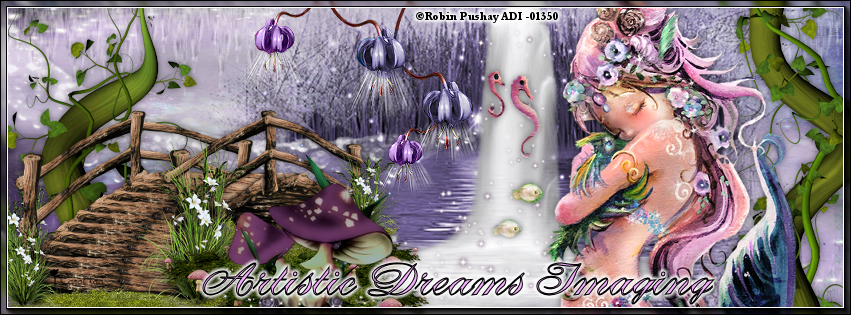
Dragon Hug


This Tut was written by me on the 21st July 2014

Supplies Needed

Font used - DebonairJF

Scrapkit- Magical by Amy Marie

Tube by Robin Pushay


AAA Frames

Drop shadow 0,0,50,10

After resizing > adjust sharpness > sharpen.

Open blank image 851 x315

New raster layer, select all, paste paper 23 into selection, select none.

Add element 65.

Add element 109.

Add element 177, resize 80%.

Add element 57,  add drop shadow.

Add tube, resize, add drop shadow.

Add element 59,  add drop shadow.

Add element 21, resize 80%, add drop shadow.

Add element 44, resize 60%, add drop shadow.

Add element 106, resize 60%, image mirror, add drop shadow.

Layers, merge visible.

AAA Frames - Foto Frame width 6

Add name and copyright

Friday, 18 July 2014

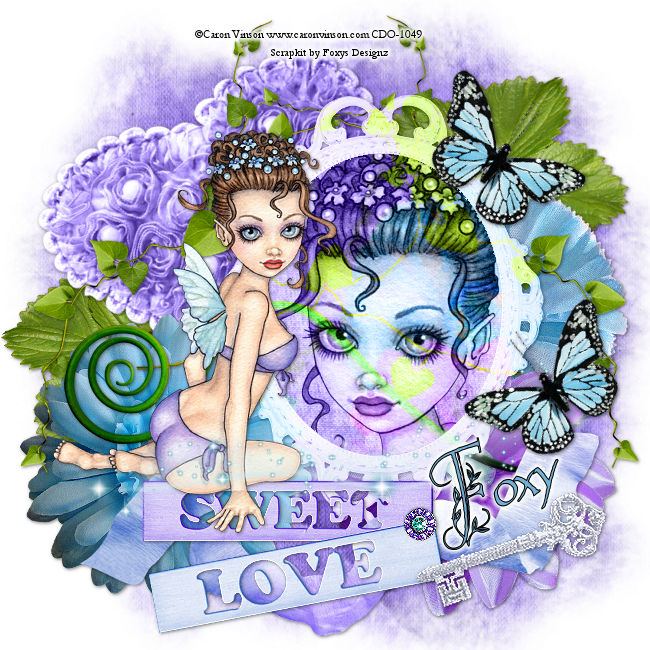
Sweet Love


This Tut was written by me on the 18th July 2014

Supplies Needed

Font used - Springtime Flourish

Mask 111 by Vaybs

Scrapkit- IB- Melissa Dawn 17-3 by Foxys Designz  

Tube by Caron Vinson

Word art of choice

Drop shadow 1,1,50,5

After resizing > adjust sharpness > sharpen.

Open blank image 650 x 650

New raster layer, select all, paste paper 6 into selection, select none.

Apply mask, duplicate, merge group.

Add element 5, resize 80%, duplicate, image mirror, add drop shadow.

Add element 15 , rotate left, add drop shadow.

Add element 3, resize 60%, add drop shadow.

Add element 2, resize 60%, add drop shadow.

Add element 1, resize 60%, add drop shadow.

Add element 18, resize 80%,  duplicate, image mirror, add drop shadow.

Add element 12,  add drop shadow.

Add frame 3, resize 60%, add drop shadow.

Using magic wand, select inside frame, modify, expand by 4, paste paper 5 as a new layer, select, invert, delete, arrange move down.

Keep selected, as tube as a new layer, delete.

Merge these 3 layers together , blend - Luminance Legacy.

Add element 16, resize 80%, add drop shadow.

Add Word Art 1, resize 60%, add drop shadow.

Add tube, resize, add drop shadow.

Add element 19, resize 50%, image mirror, add drop shadow.

Add element 11, resize 80%.

Add element 7, resize 50%,rotate left, duplicate,  add drop shadow.

Add name and copyright

Tuesday, 15 July 2014

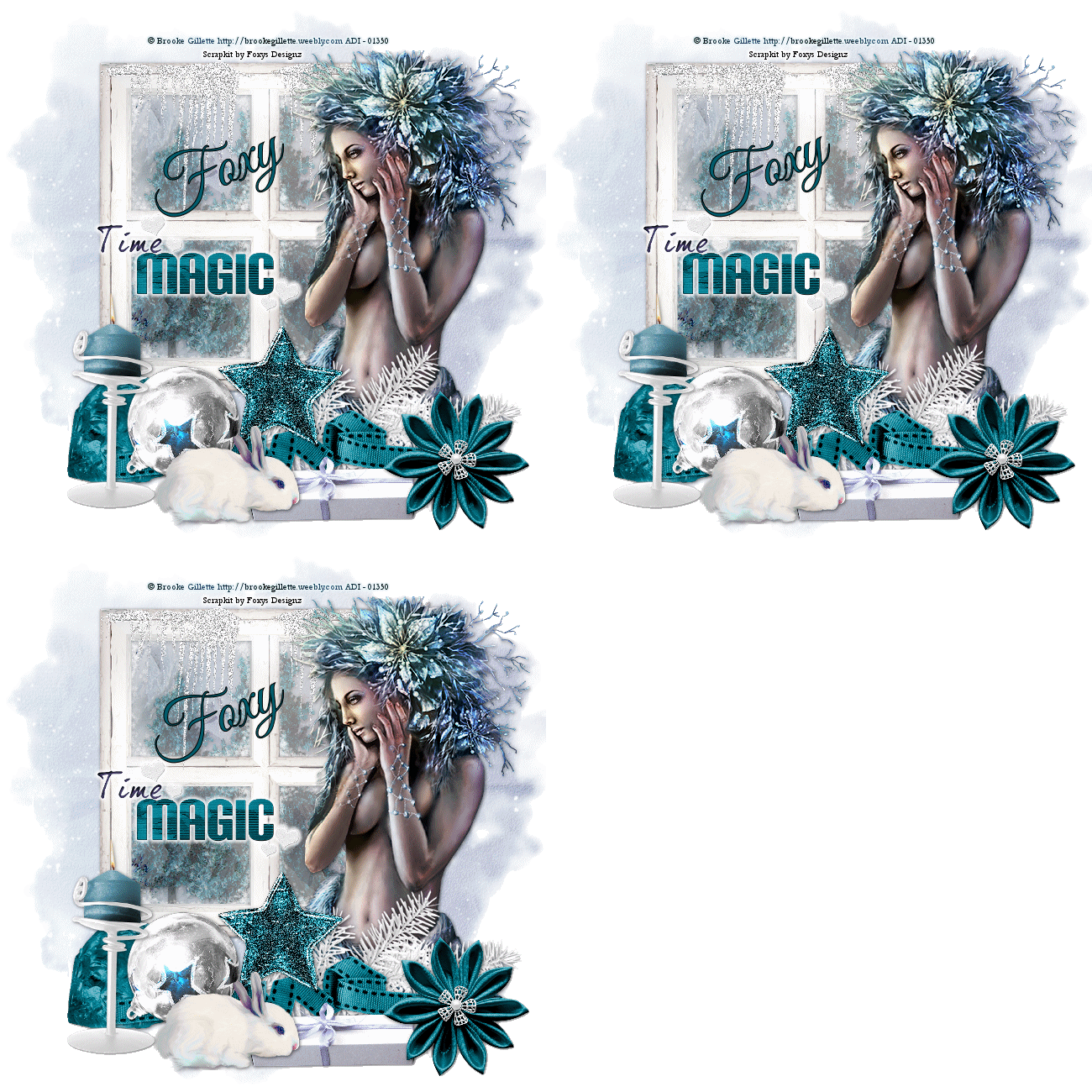
Winter Magic


This Tut was written by me on the 15th July 2014

Supplies Needed

Font used - Great Vibes

Mask 196 by Gem

Scrapkit- Frost Queen by Foxys Designz  


Animation 419 by Simone

Animation Shop

Drop shadow 1,1,60,6

After resizing > adjust sharpness > sharpen.

Open blank image 650 x 650

New raster layer, select all, paste paper 5 into selection, select none.

Apply mask, duplicate, merge group.

Add element 1, resize 80%, image mirror, add drop shadow.

Add element 5 , resize 60%,  add drop shadow.

Add element 26, resize 60%, add drop shadow. duplicate x 2.

On each of these 3 layers , adjust add noise, random, 100, monochrome.

Rename Ani 1,2,3.

Add tube, resize, add drop shadow.

Add element 20, resize 80%, add drop shadow.

Add element 14, resize 80%,   add drop shadow.

Add element 9,  resize 70%, image mirror, add drop shadow.

Add element 16, resize 50%, add drop shadow.

Add element 22, resize 40%, add drop shadow.

Add element 6, resize 40%, add drop shadow.

Add element 18, resize 60%,  add drop shadow.

Add element 15, add drop shadow, duplicate x 2.

On each of these 3 layers , adjust add noise, random, 100, monochrome.

Rename Ani 4,5,6.

Add element 24, resize, add small gradient glow.

Add element 3, resize 40%, add drop shadow.

Add name and copyright

Animation 

Open Animation Shop

Close Ani 2,3,5,6.

Copy merged, paste as a new animation.

Close Ani 1 and 4, open Ani 2 and 5, copy merged, paste after current frame.

Close Ani 2 and 5, open Ani 3 and 6, copy merged, paste after current frame.

Save as gif.

Monday, 14 July 2014

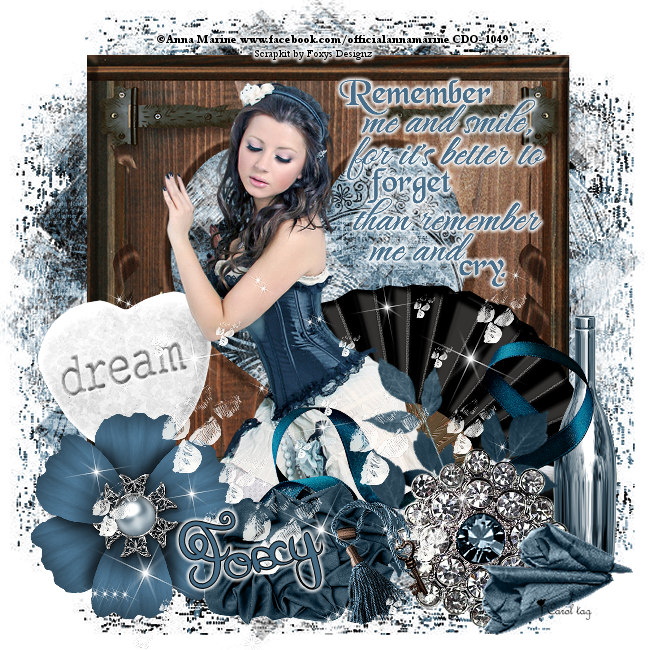
Remember Me


This Tut was written by me on the 14th July 2014

Supplies Needed

Font used - Donovan Quidaw

Mask 166 by Babs

Scrapkit- Solitude by Foxys Designz  

Tube by Anna Marine

Word art of choice

Drop shadow 2,2,60,6

After resizing > adjust sharpness > sharpen.

Open blank image 650 x 650

New raster layer, select all, paste paper 3 into selection, select none.

Apply mask, duplicate, merge group.

Add element 7, resize 70%, add drop shadow.

Add element 22 , resize 60%, image mirror, add drop shadow.

Add element 21, resize 60%, add drop shadow.

Add tube, resize, add drop shadow.

Add element 25, resize 60%, add drop shadow.

Add element 9, resize 60%,   add drop shadow.

Add element 11,  resize 50%, rotate left, add drop shadow.

Add element 5, resize 60%, add drop shadow.

Add element 2, resize 40%, add drop shadow.

Add element 27, resize 40%, add drop shadow.

Add element 23, resize 50%, , add drop shadow.

Add element 14, resize 30%,  add drop shadow.

Add word art, colourise to suit, add small gradient glow.

Add element 4, resize 60%.

Add name and copyright