Pages

Monday, 16 February 2015

Feeling Lucky


This Tut was written by me on the 16th Feb 2015

Supplies Needed

Word art of choice

Font - Irish Participants

Mask 364 by Wee Scots Lass

Scrapkit- Feeling Lucky by Manipulated by Magik

Tube by Alex Prihodko

 Available at Pics for Design

Drop shadow 1,1,60,6

After resizing > adjust sharpness > sharpen.

Open blank image 650 x 650

New raster layer, select all, paste paper 5 into selection, select none.

Apply mask, merge group.

Add element paint smear, duplicate, image mirror, add drop shadow.

Add element flower 1, resize 70%,  add drop shadow.

Add element whiskey barrel, resize 60%,  add drop shadow.

Add element balloons,  add drop shadow.

Add tube, resize, add drop shadow.

Add element pot of gold,  add drop shadow.

Add element mouse, resize 60%, add drop shadow.

Add word art, add drop shadow.

Resize, add name and copyright.

Sunday, 25 January 2015

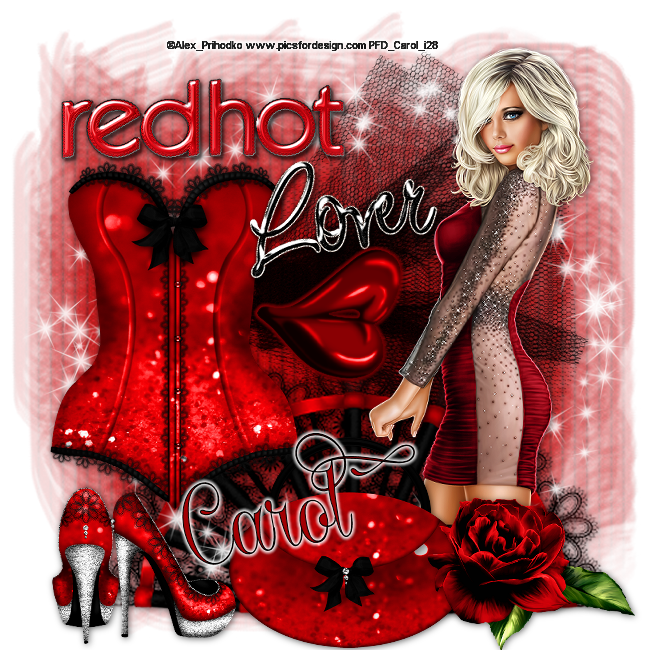
Red Hot Lover


This Tut was written by me on the 25th Jan 2015

Supplies Needed

Font - Undergone

Mask 211 by Gem

Scrapkit- Red Hot Lover by Horseplay's Pasture Designs

Tube by Alex Prihodko

Available at Pics for Design

Drop shadow 1,1,60,10

After resizing > adjust sharpness > sharpen.

Open blank image 650 x 650.

Select all, paste paper 1 into selection, select none.

Apply mask, merge group.

Add element 23, resize 80%, add drop shadow.

Add element 5, resize 70%,  add drop shadow.

Add element spray 1, resize 70%.

Add element 4, resize 70%, add drop shadow.

Add tube, resize , add drop shadow .

Add element 1, resize 40%,  add drop shadow.

Add element 3,  resize 60%,  add drop shadow.

Add element 20, resize 40%, add drop shadow.

Add element word art 2b, resize 40%.

Add word art 3b, resize 60%.

Add element 6, resize 50%, add small gradient glow.

Resize, add name and copyright.

Wednesday, 24 December 2014

Ringing in the Bells


This Tut was written by me on the 24th December 2014

Supplies Needed

Font - Betty Script

Mask of choice

Scrapkit- New Year  by Hania's Design

Tube by Trinita

Drop shadow 1,1,60,10

After resizing > adjust sharpness > sharpen.

Open blank image 650 x 650.

Select all, paste paper 2 into selection, select none.

Apply mask, merge group.

Add element 85.

 New raster layer, select all, paste element 10 into selection, select none,add drop shadow.

Add element 29, resize 40%, add drop shadow.

Add element 70, resize 40%, add drop shadow.

Add element 52, resize 60%, add drop shadow.

Add element 92, resize 60%, add drop shadow .

Add element 9, resize 45%, add drop shadow.

Add element 6,  resize 70%, add drop shadow.

Add cluster, resize 65% , add drop shadow.

Using selection tool, draw around the frame, new raster layer, paste paper 10 into selection, arrange move down.

Keep selected, paste tube as a new layer, duplicate, select original tube layer, select invert, delete, select none.

Select copy of tube layer, arrange , move up, using eraser, remove any tube on bottom and side of the frame.

Resize, add name and copyright.


Saturday, 22 November 2014

Cool Winter


This Tut was written by me on the 22nd November 2014

Supplies Needed

Font - Banner

Mask of choice

Scrapkit- Christmas Frost  by Foxys Designz

Tube by PinUpToons

Drop shadow 1,1,60,10

After resizing > adjust sharpness > sharpen.

Open blank image 650 x 650.

Select all, paste paper 8 into selection, select none.

Apply mask, merge group, duplicate merge down.

Add element 9, resize 50%, add drop shadow, duplicate, image mirror.

Add element 22, resize 80%, rotate right, add drop shadow.

Add frame 4, resize 50%, add drop shadow.

Using magic wand, select inside frame, select, modify expand by 5.

New raster, paste paper 1 into selection, arrange, move down.

Keep selected paste tube as a new layer, select, invert, delete, select none.

Blend - Luminance legacy.

Select top layer, paste element 42, resize 40%, add drop shadow.

Add tube, resize, add drop shadow.

Add element 2, resize 80%.

Add element 27, resize 60%, add drop shadow .

Add element 38, resize 50%, add drop shadow.

Add element 29,  resize 30%, add drop shadow.

Add element 48, resize 40% , add drop shadow.

Resize, add name and copyright.
Add element 21, resize 40%, add drop shadow.


Tuesday, 11 November 2014

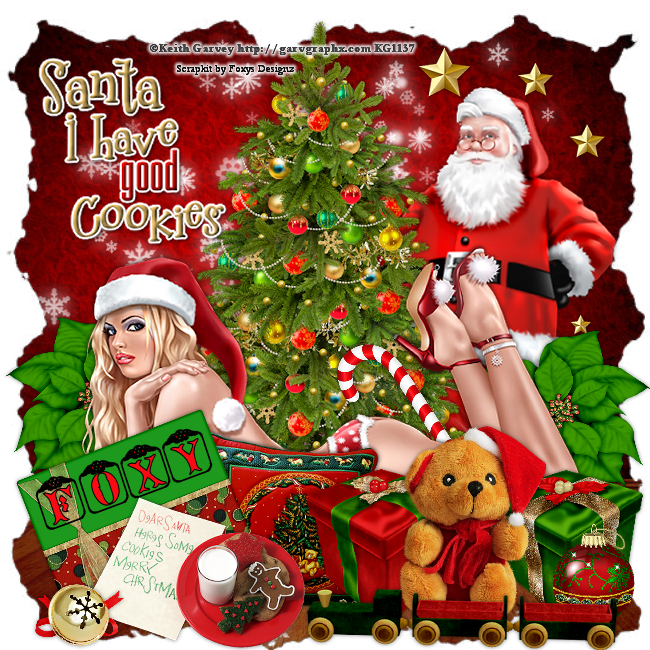
Santa's Cookies


This Tut was written by me on the 11th November 2014

Supplies Needed

Font - Angelots

Mask of choice

Word Art of choice

Scrapkit- Christmas Story  by Foxys Designz

Tube by Keith Garvey

Drop shadow 1,1,50,6

After resizing > adjust sharpness > sharpen.

Open blank image 650 x 650.

Select all, paste paper 2 into selection, select none.

Apply mask, merge group.

Add element 49.

Add element 37, resize 60%, add drop shadow.

Add tube, resize , add drop shadow.

Add element 29, resize 60%, duplicate , image mirror, add drop shadow.

Add element 2, resize 80%,  add drop shadow.

Add element 8, resize 40%,  add drop shadow.

Add tube, resize, add drop shadow.

Add element 15, resize 50%, add drop shadow .

Add element 9, resize 30%, add drop shadow.

Add element 10,  resize 30%, add drop shadow.

Add element 26, resize 40% , add drop shadow.

Add element 6 , resize 50%, add drop shadow.

Add element 47, resize 30%, add drop shadow.

Add element 20, resize 65%, add drop shadow.

Add word art, resize, add drop shadow.

Add element 11, resize 60%, add drop shadow.

Add element 7, resize 30%, add drop shadow.

Resize, add name and copyright.

Thursday, 6 November 2014

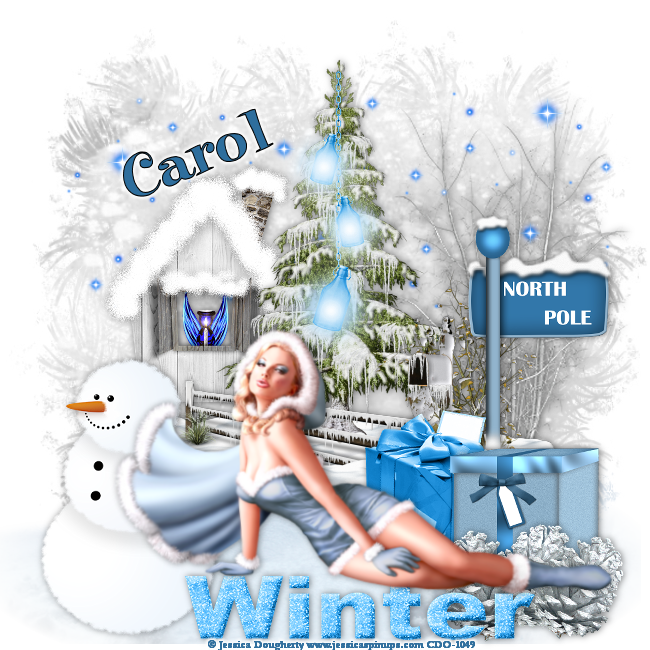
Winter Frost


This Tut was written by me on the 6th November 2014

Supplies Needed

Font - Elf

Winter mask 12 by Dee

20-20 mask

Scrapkit- Snowflake by Amy Marie

Tube by Jessica Dougherty

Available at CDO

Drop shadow 0,1,50,10

After resizing > adjust sharpness > sharpen.

Open blank image 650 x 650.

Select all, paste paper 21 into selection, select none.

Apply mask, merge group, duplicate, merge down.

Add element 43, apply 20-20 mask, merge group, duplicate, merge down.

Add element 71, resize 80%, add drop shadow.

Add element 52.  

Add element 61, resize 70%,  add drop shadow.

Add element 19, resize 25%, add drop shadow.

Fit in window, arrange, move down.

Add element 27,   add drop shadow .

Add element 1, resize 75%, add drop shadow.

Add element 60,  resize 70%,  add drop shadow.

Add element 20, resize 50%, add drop shadow.

Add element 3, resize 60%,  add drop shadow.

Add element 7, resize 40%, add drop shadow.

Add element 68, resize 70%.

Add element 115, resize 70%, add drop shadow.

Add tube, resize, add drop shadow.

Resize, add name and copyright.
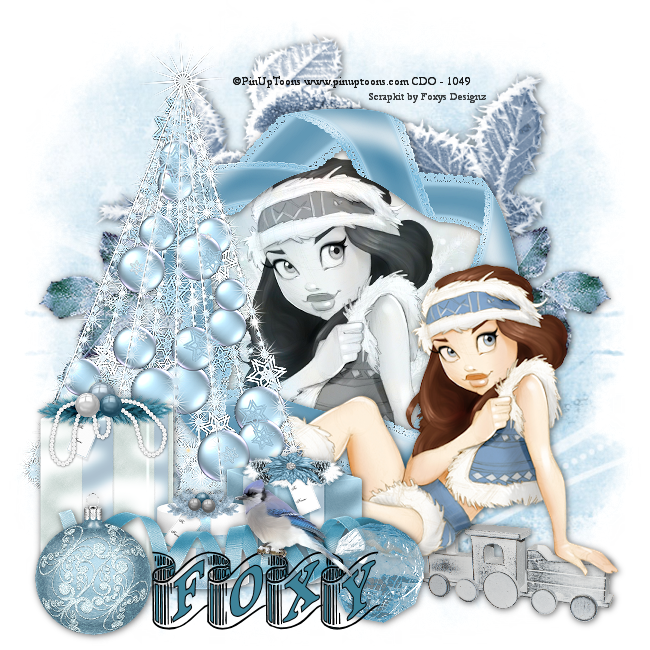
Wednesday, 5 November 2014

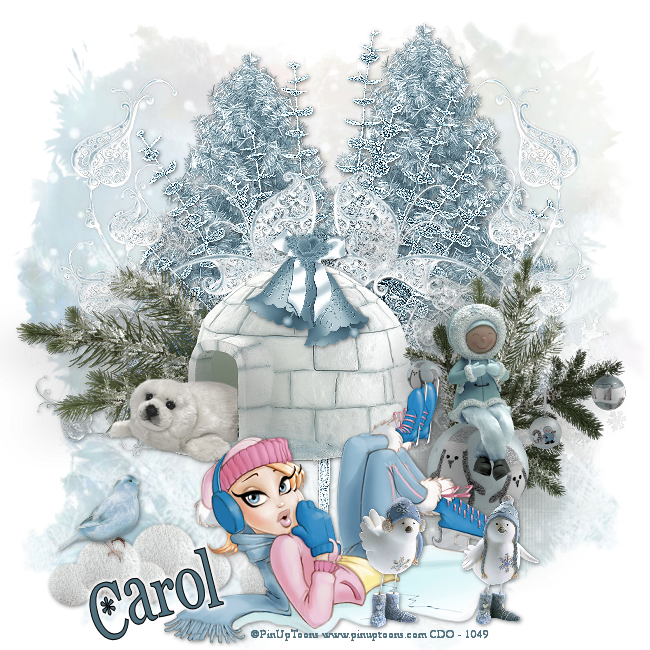
Cold As Ice


This Tut was written by me on the 5th November 2014

Supplies Needed

Font - CK Twilight

Mask 171 by Gem

Scrapkit- Frozen by Amy Marie

Tube by PinupToons

Available at CDO

Drop shadow 1,1,50,6

After resizing > adjust sharpness > sharpen.

Open blank image 650 x 650.

Select all, paste paper 13 into selection, select none.

Apply mask, merge group, duplicate, merge down.

Add element 98, resize 80%, duplicate, add drop shadow.

Add element 99, adjust, sharpness, sharpen more, add drop shadow.

Add element 96, resize 80%, duplicate merge down, duplicate, image mirror.  

Add element 97,  add drop shadow.

Add element 101, resize 30%,  add drop shadow .

Add element 23, resize 70%.

Add element 21,  resize 40%,  add drop shadow.

Add tube, resize, add drop shadow.

Add element 8, resize 40%, add drop shadow.

Add element 122, resize 30%,  add drop shadow.

Resize, add name and copyright.